The planner
Turns two flight times into the time that is yours, and shows what fits inside it.
layovering turns a connection into a plan. Roll Pass is a separate product with its own page.

The plan and the pass sit side by side and stay separate. Flight times are local times.
Turns two flight times into the time that is yours, and shows what fits inside it.
Its own product with its own page.
See one sample plan being made, step by step.
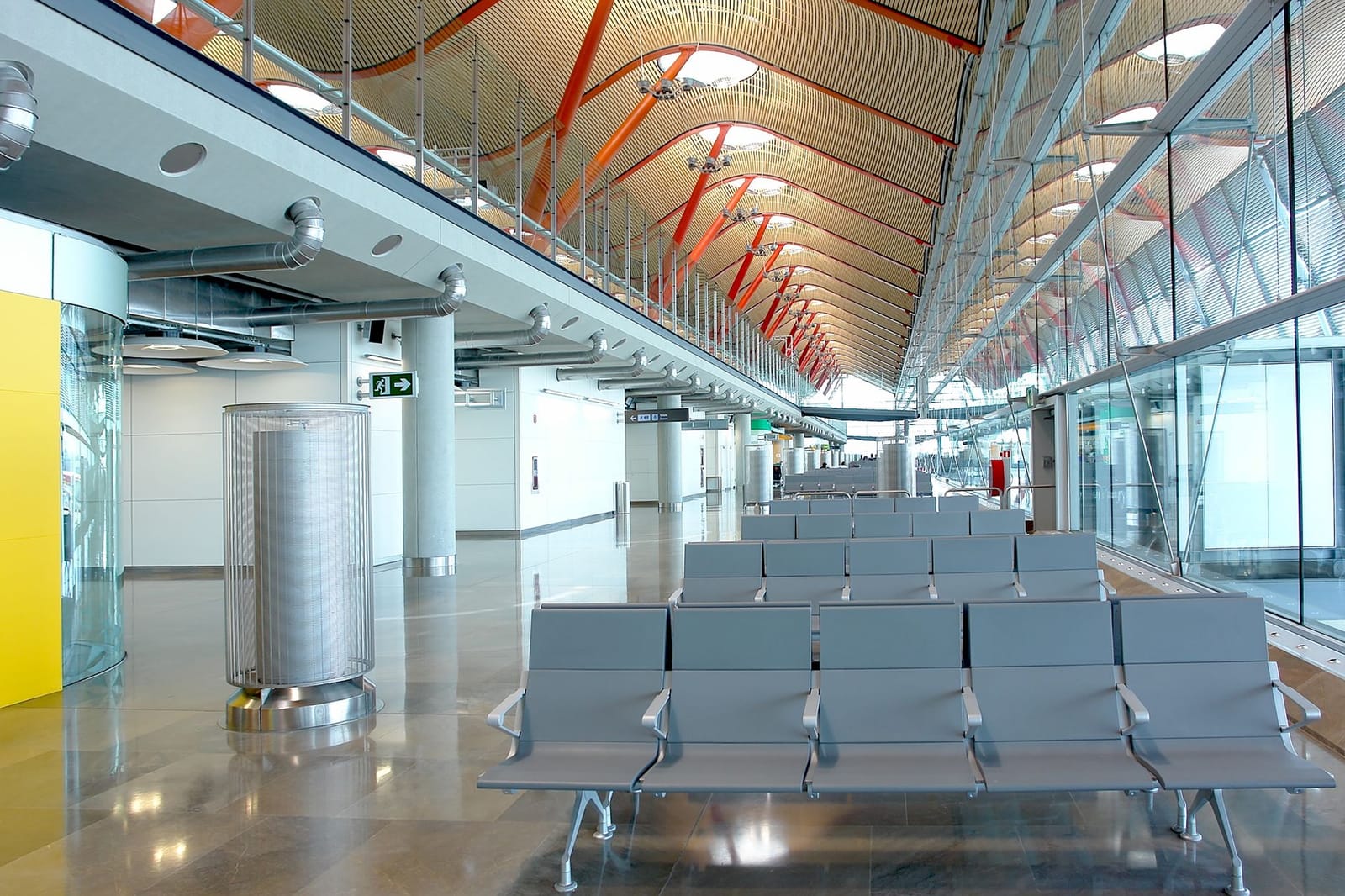
Add two flight times to the planner and the plan appears.
Works out the time that is yours, and keeps your plan when a time changes.
A pass for a connection, shown separately from the plan.
A figure that comes from a provider carries its source and date.
Everything on these pages uses sample connections.
Not yet. Atlanta is our first airport, and what you see here is a sample plan.
Yes, with your own flight times in the planner. Anything you see here is a sample.
held back for arrival by default, and about 60 to be back, until an airport's own times are used.
Source: layovering default planning allowances.We are early, and Atlanta is our first airport. Anything marked Sample is illustrative. Partner operations